lesingo
Lesingo: Learn Words by Camera
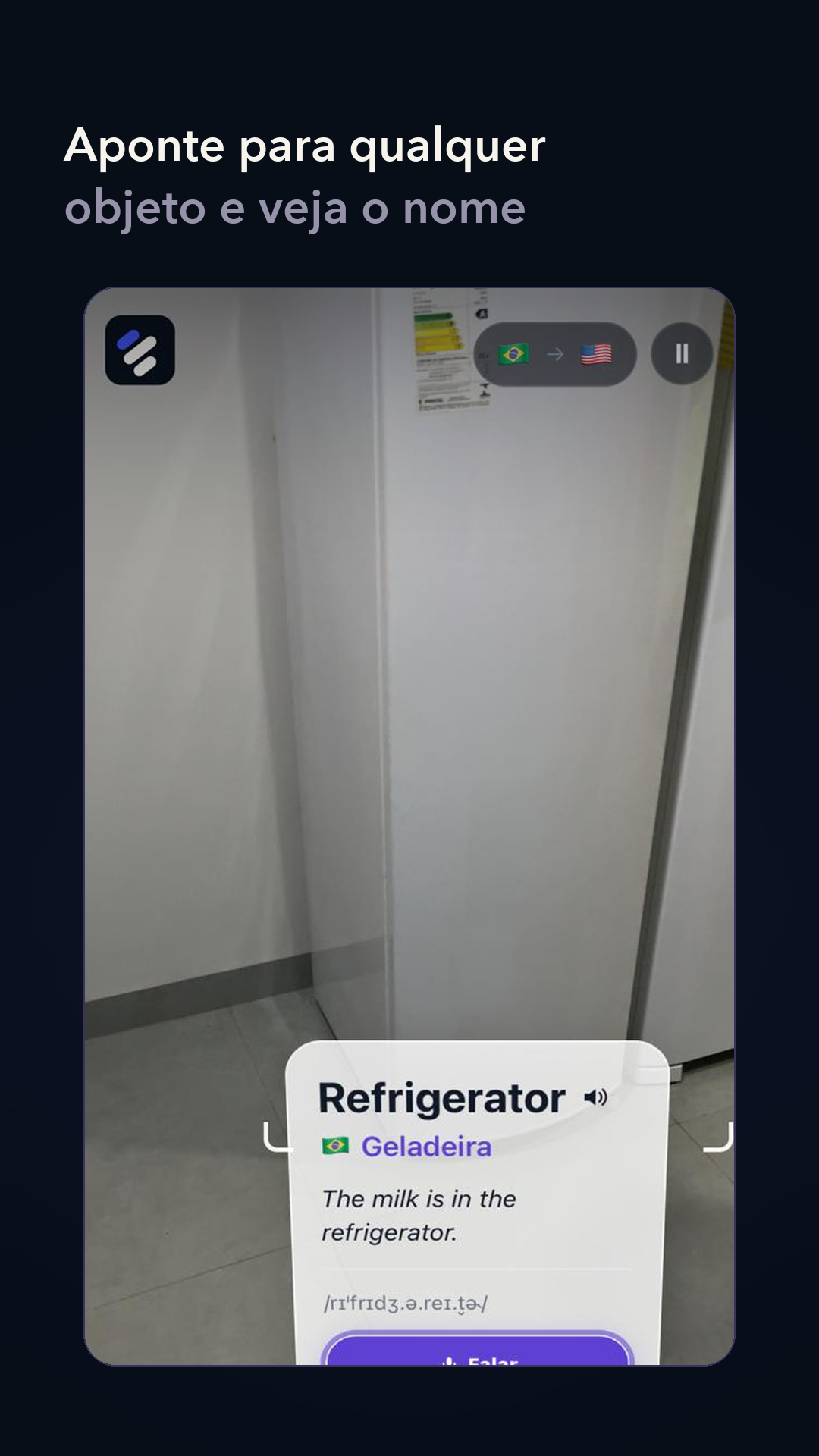
Point your phone at everyday objects and see their English name, pronunciation and meaning appear over the object, live. Say the word out loud and hear how it should sound. Object detection runs on the device, so no camera frame leaves the phone.



What it does
- Point and learn. Detects common objects in the live camera preview and anchors a compact learning card over each one: the English word, the translation, an example sentence and the phonetic spelling.
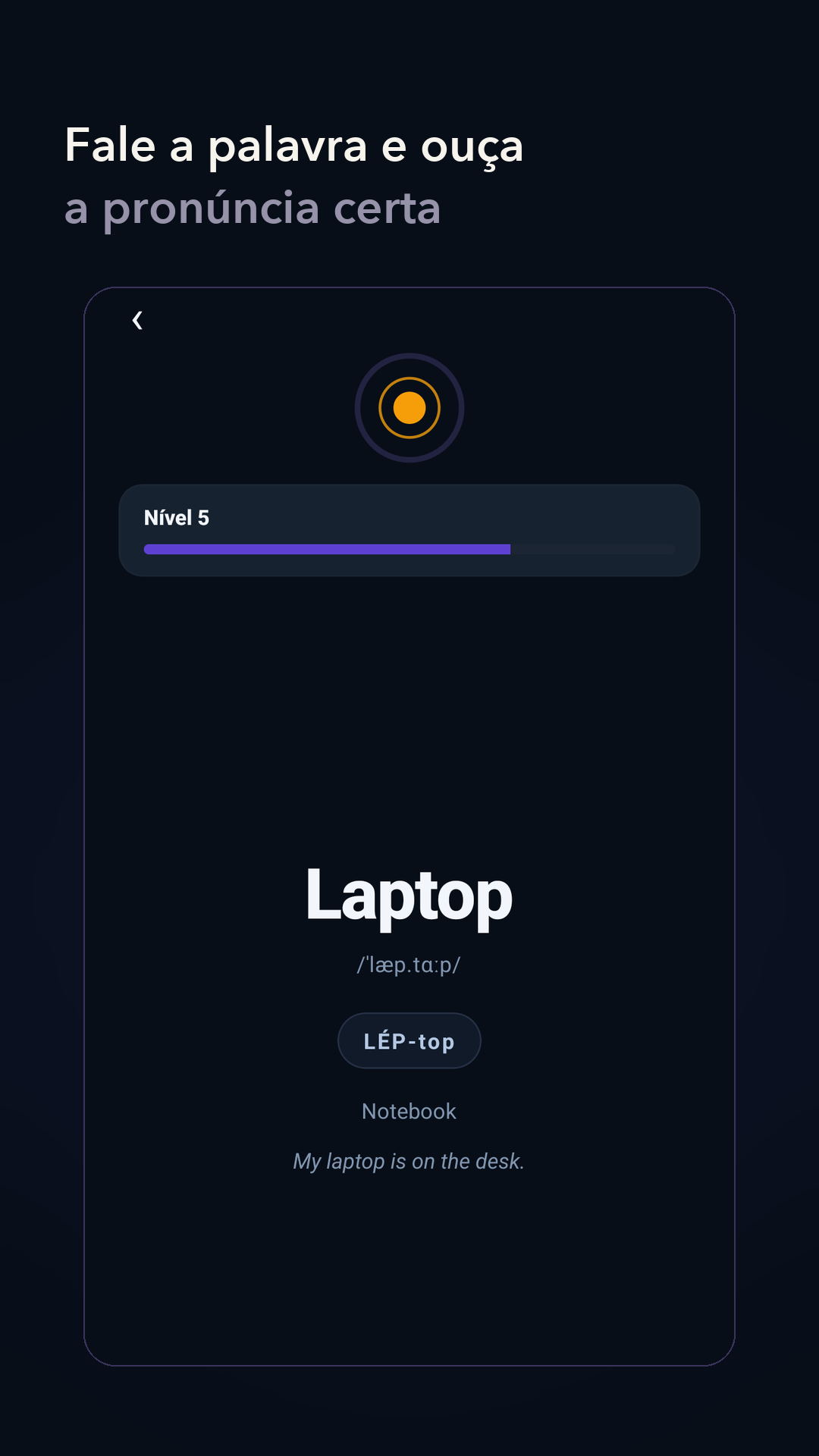
- Speak and compare. Pronounce the word and get feedback; the device speech service plays the correct pronunciation.
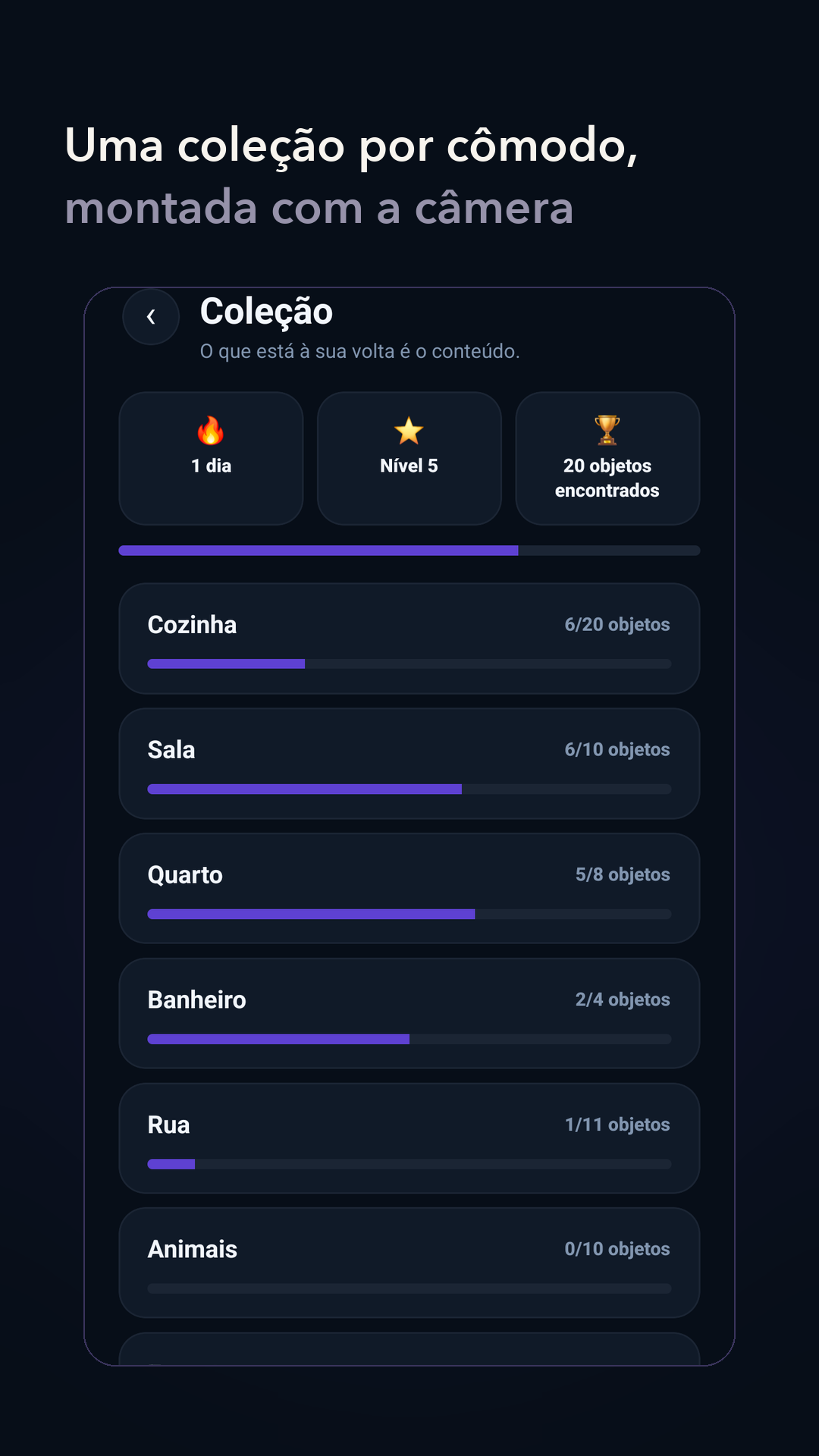
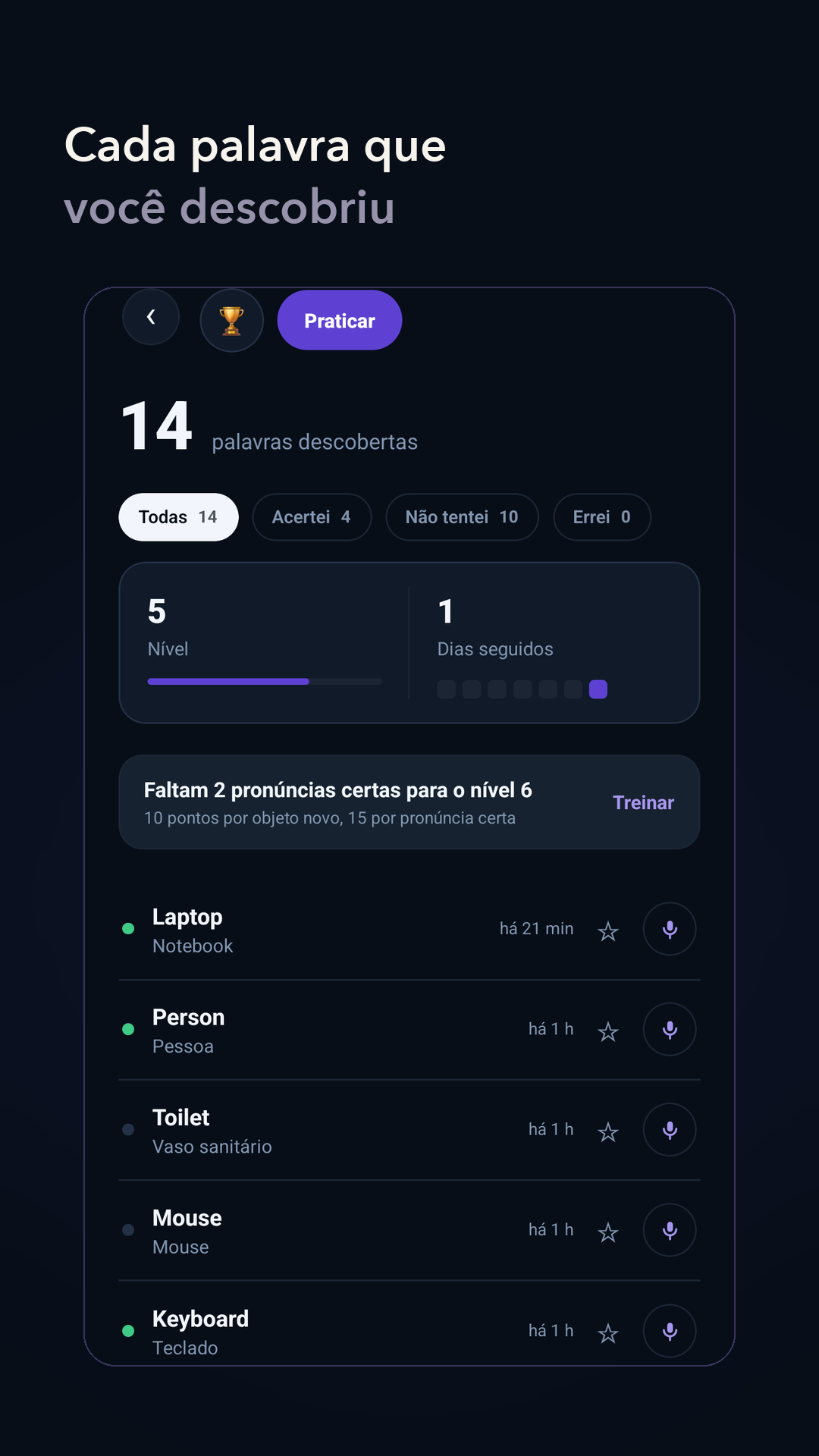
- Build a collection. Every object you find is saved to a collection organised by room (kitchen, living room, bedroom, bathroom, street, animals), with levels and a daily streak to keep you practising.
Privacy
Object detection runs locally with a model packaged in the app. Camera images are processed on the device and are not uploaded. Read the privacy policy and the account and data deletion page for the full details.
How it is built
- React Native 0.87 with the New Architecture, one codebase for iOS and Android.
- Feature-first Clean Architecture with MVVM in the presentation layer; styled-components for the shared theme.
- VisionCamera 5 for the camera session and frame output.
- A local Nitro module (Kotlin on Android) for inference, running MediaPipe Tasks with EfficientDet-Lite0 int8 across bounded native worker threads.
- Reanimated UI-thread interpolation so overlays follow the objects smoothly; learning-card metadata is bounded at 30 Hz.
- Device text-to-speech for pronunciation.
On a Samsung SM-M536B (Android 14), four native workers processed 29.8 to 30.2 detector frames per second while the camera preview stayed near 30 FPS. Method and limitations are in physical-device validation.
Documentation
- Architecture and dependency rules
- Architecture Decision Records
- Roadmap
- Physical-device validation
- Performance engineering strategy
- Model card (EfficientDet-Lite0)
Lesingo is a side project by Gustavo Rosa. Source code and issues live on GitHub.